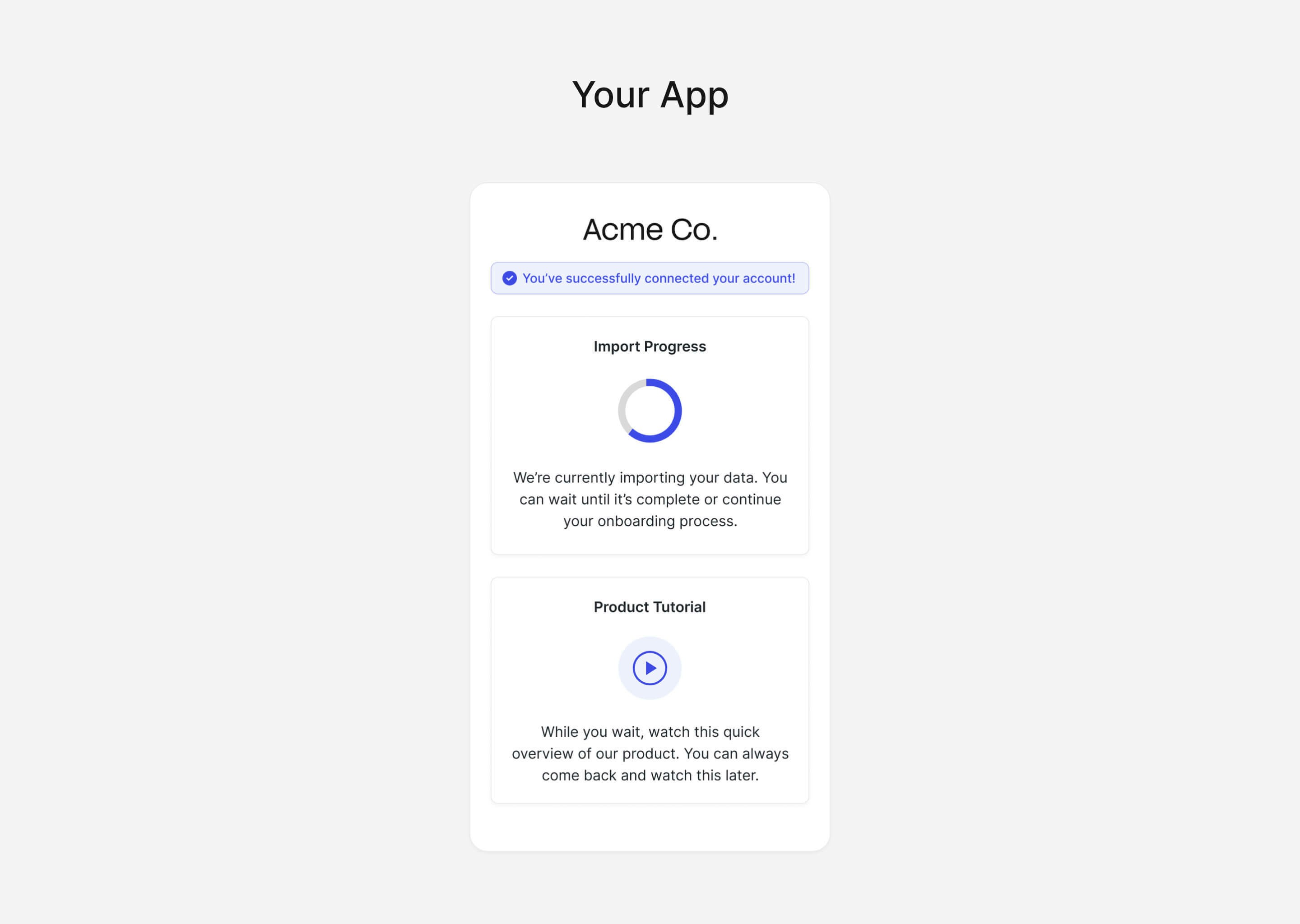
1
Open Chart Connect
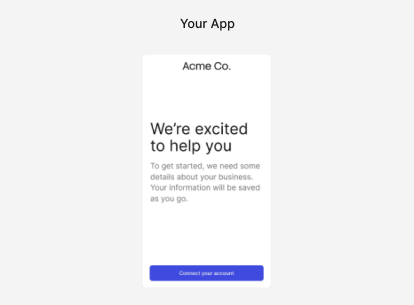
2
Connect a provider
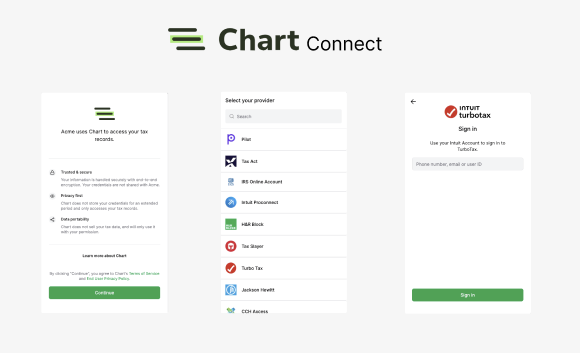
- Read privacy disclosures - Chart Connect discloses data privacy practices right from the start, so your customers know where and how their data is used.
- Select a provider - Once the user approves, they select their tax record system from Chart’s list of providers.
- Authenticate access - The user is prompted to log into their account (via credentials or API key if available), granting your application access to their tax record data.
3
Receive data